Do a week’s work
in a day. (With AI)
Learn how to use AI for research, presentations, meetings, emails, automation, confidential data and job applications. Create your personal AI toolkit with workflows, prompts, and tools that help you complete everyday tasks faster and more efficiently.
Get Early Access – ₹3,999 ₹9,999Most AI courses give you prompts.
A prompt does the task once.
A system does it every week.
Here is one of the ten you build in this course, start to finish.
Nothing changes about how email arrives. No new app to live in.
Every message is read against rules you write once, in plain English.
A reply is waiting in your voice, with the context already pulled in.
You stay the last step. The system never sends anything on its own.
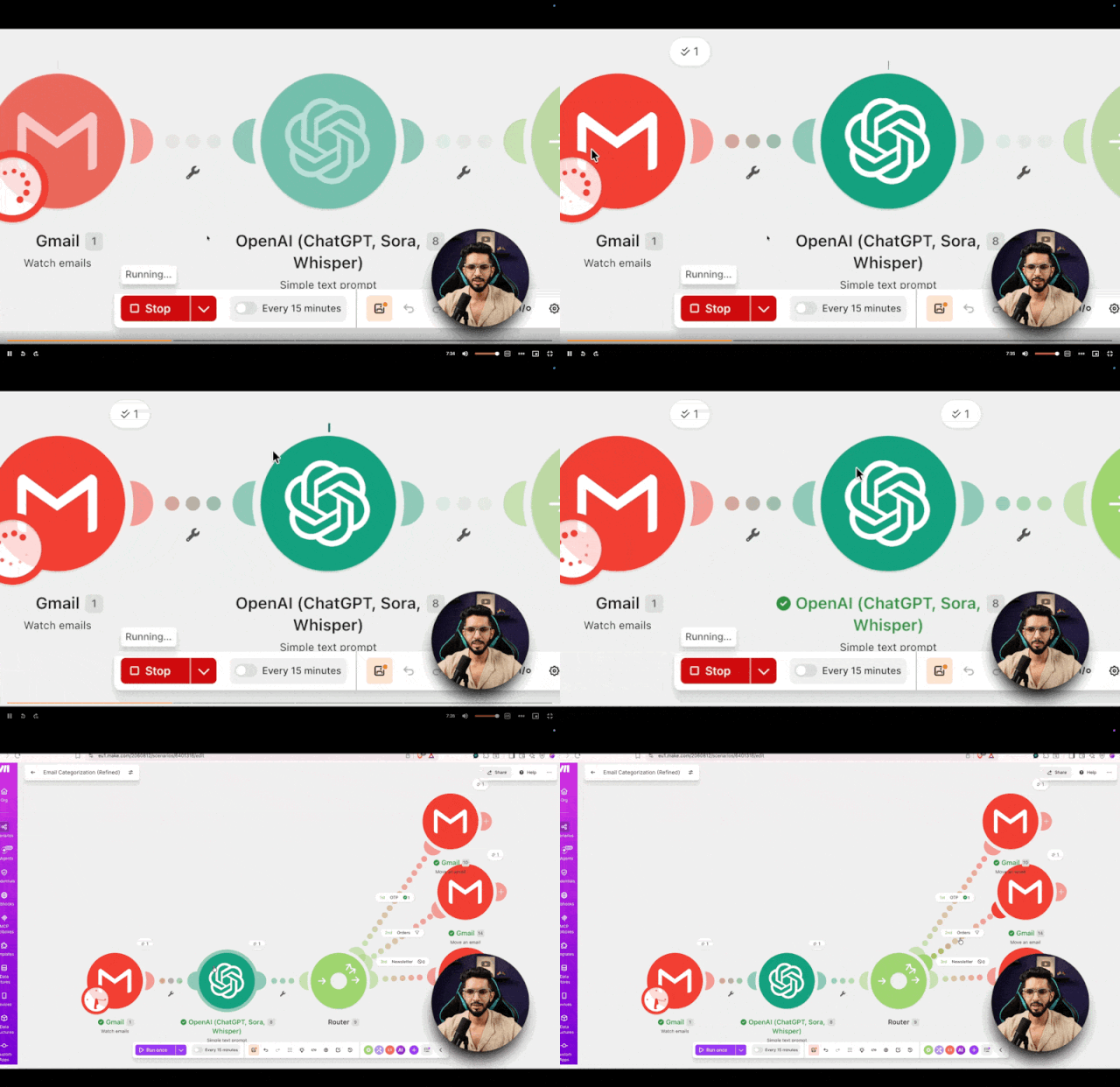
A real recording from my own inbox. Sender details blurred.
Every message read, sorted and replied to by hand.
every week, with this automation.
That’s one system. In this course you build ten.
By the end of this course
You’ll be able to do all of this.
Eight things that change on the Monday after. Four of them you can watch right now, free, without signing up.
Sourced, cross-checked and hallucination-proofed long before any of it reaches your deck.
Watch this lesson freeDrop the reports in, ask in plain English, get answers with the page they came from.
Watch this lesson freeLearn to make the charts that make the numbers land.
Watch this lesson freeBe the rockstar in meetings using free open source AI tools & system.
Automated, drafted and routed by rules you write once in plain English. You see the last step.
Watch this lesson freeUse AI locally for confidential and sensitive data and all these for free.
Tailored per role, cover letter to match, and an AI interview coach to rehearse against.
The rule for what to automate, what to leave alone, and how to tell useful from hyped.
By the end, you’ll have a complete AI work system.
Six lessons are free to watch right now, no signup.
You keep: the exact system, prompts, tools, and a one-page cheat sheet.
- Why Most People Fail With AI
- The Golden Rule Of Working With AI
- When Not To Use AI
- How To Make AI Easy
- The AI Tools You’ll Use In This Course
- The Old Way Vs The AI Way Of Research
- Stop AI Hallucination Free preview
- How To Find Information You Can Actually Trust
- NotebookLM: Turn 50 Pages Of PDFs Into Answers In Minutes Free preview
- Find First, Then Think: The Perplexity + ChatGPT Combo
- How To Analyse Any Competitor Using AI
- How To Analyse Any Competitor Using AI, Part 2
- Why Your Presentations Take So Long
- The 2 Free PPT Tools That Actually Work
- Turn Any Research Into a Presentation in Minutes, Ft. NotebookLM
- Make Research Documents/PDFs Into Structured Presentation Notes
- Turn Your Notes Into Polished Slides: Build Slides Instantly
- Make Your Manager Actually Understand The Numbers (Charts & Graphs) Free preview
- Creating Visually Interactive Charts
- How to Sound Like a TED Speaker Using Your Presentation
- The Hidden Cost of Every Meeting: Let’s Solve This
- Which AI Meeting Tool Is Right For You
- Before The Meeting: Walk In As The Most Prepared Person
- In The Meeting: Stop Taking Notes, Start Being Present
- After The Meeting: Action Items Done In 10 Minutes
- In-Person Meetings: AI Works Offline Too
- The Quick Recap
- The Problem With How We Handle Email
- The Gmail AI Features You’re Probably Ignoring
- How AI Email Automation Actually Works Free preview
- Build Your AI Email Automation, Part 1
- Build Your AI Email Automation, Part 2
- The Google Apps Script Version (For The DIY Crowd)
- The Data Leak Problem Nobody Talks About
- The Two Free Tools You Need: Ollama, Gemma, and Open WebUI
- The Setup: Download, Install, Done
- Real Work Use Cases: Confidential Tasks Done Privately
- The New Rules Of Job Hunting With AI
- Build A Resume That Beats The ATS
- Tailor Your Resume & Cover Letter For Any Job
- Prep For Interviews With AI As Your Coach
- The Free AI Tools Worth Knowing About
- How To Spot A Useful AI Tool From A Hyped One
- What Happens Next

I teach tech to people who don’t have time to learn tech.
I’m Kripesh Adwani, founder of UpskillAI. For 8 years I’ve reviewed tools and taught software to 180K+ subscribers and 30K+ monthly readers, mostly Indian professionals, freelancers & business owners who want the straight answer, not the hype.
I teach the system, test the tools, keep the ones that save time, and tell you the truth about the rest. Every workflow here is one I use myself.
180K+
Subscribers30K+
Monthly Readers8 Years
ExperienceI Don’t Just Teach These Systems. I Run My Work On Them.
Every system in this course started the same way i.e a task that was eating too much of my week, and a question about whether AI could take it off my hands. Some experiments worked. Some didn’t.
Below is what survived.
My team’s email was the worst offender. It’s now automated, drafted and routed by a system I built. Same inbox, three hours returned.
An experiment: could a system produce content without me in the loop? HeyGen, ElevenLabs and a workflow tying them together. It’s at 10,000+ subscribers now, still running hands-off.
Grown by an automated system rather than manual work. The system runs whether I’m at my desk or not.
30M+ views. Research, structuring and scripting all move through AI systems long before anything reaches a camera.
Research, outline, draft, publish. The workflow carries the pipeline end to end. I only step in for the judgement calls.
I’ve also shipped two AI apps – ClickCaption and AI Resume Builder which is live on the App Store and Play Store. We used AI to build them. This course isn’t about building apps. It’s about the habit underneath them: we are using the same habits in all our work.
I Learn From The People Building This Technology
The fastest way to understand where AI is heading is to talk to the people building it. Over the years I’ve sat down with founders, engineers and operators behind the tools we all use and a good part of what’s in this course came out of those conversations.
Co-founder of WordPress and CEO of Automattic — software that runs a significant share of the web.
Conversations with the founders and product teams behind the AI tools people are using at work today.
Time spent with the people who build and run Asia’s largest WordPress event.
This course is also taught on WebVeda – the learning platform by Ankur Warikoo.
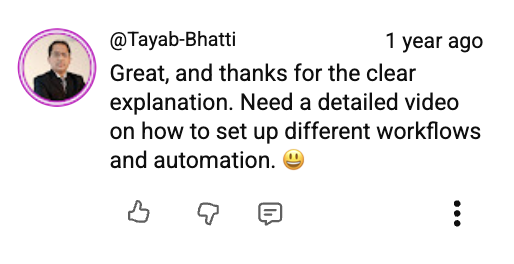
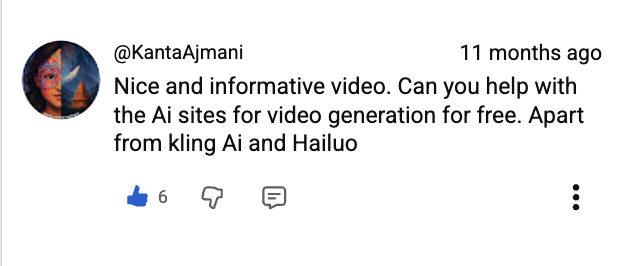
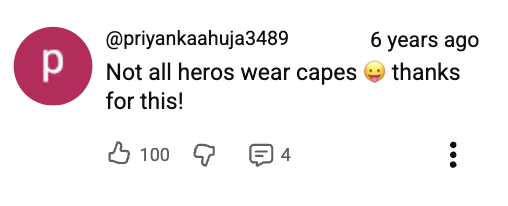
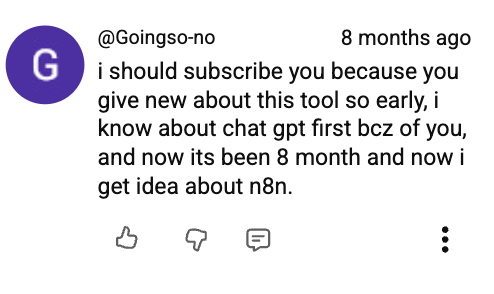
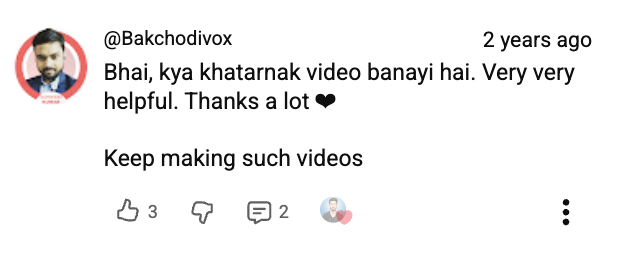
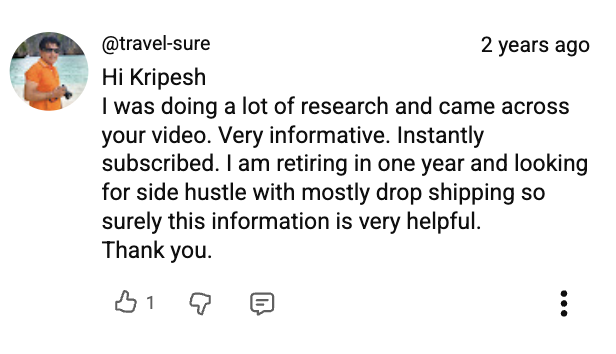
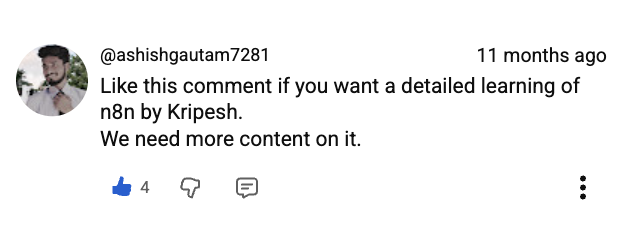
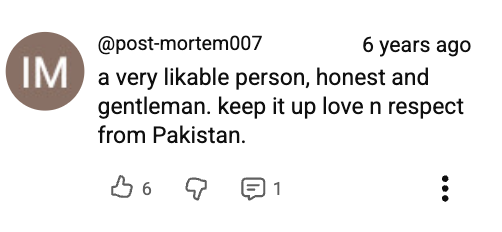
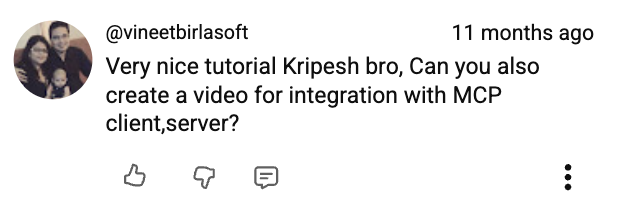
180K People Watch This Work. This Is What They Write Back.
Screenshots straight from YouTube, LinkedIn and my inbox — people who took one of these systems back to their own job and came back to say what happened. Nothing rewritten.


Featured In





Early access pricing
One payment. Lifetime access. No subscription.
The email system alone gives me three hours back every week. If it does the same for you, that’s about 150 hours in your first year — roughly ₹27 for every hour you get back.
One-time payment · Lifetime access
12 of 50 early-access seats left
The price goes up on 15 September, or when these 50 seats are gone — whichever comes first.
UPI · Cards · Netbanking · Instant access
Try it for 7 days. If it hasn’t changed how you work by then, email me and I’ll refund all of it. No questions.
Our promise
Most courses don’t offer refunds. This one does.
You don’t have to trust the sales page. Use every system on your real work for a full week and if it hasn’t earned a permanent place in how you work, get every rupee back.
Start today — every lesson, template and system unlocks immediately.
Run the systems on your real inbox and real research — not a demo.
Email me directly — no forms, no reasons needed, money back in full.
If the systems don’t save you real time in the first week, email me directly and I’ll refund every rupee. No forms, no support ticket, no waiting on a queue.
Read the full refund policy →